Security · Yogi’s VPS
Hardening Your WordPress Login
Your WordPress login page is one of the most common targets for bots and attackers. Every day, automated scripts try thousands of login combinations on WordPress sites across the internet.
This guide walks you through simple but powerful steps to lock down your login and protect your site from brute force attacks, credential stuffing, and unauthorized access.
Login security is only one part of a healthy WordPress setup. It works best when combined with a clean plugin stack, good hosting, and regular updates, which is why we also recommend reviewing our recommended plugins and tools and WordPress performance audit guide.
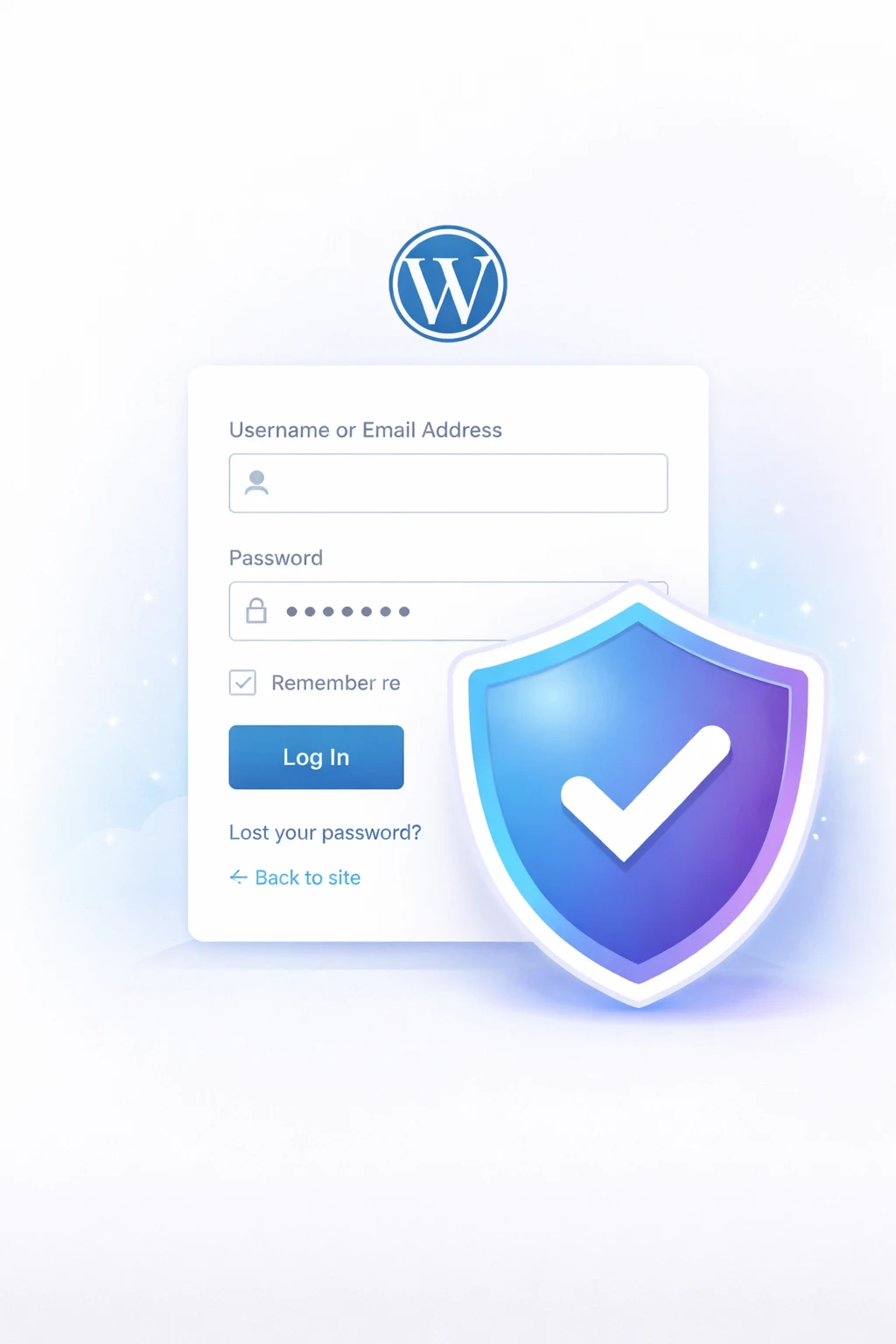
WordPress login page with security shield.
1. Use a strong username and password
The easiest way to strengthen your login is to stop using weak credentials.
- Avoid using "admin" as your username
- Use a password manager to generate long passwords
- Use at least 16+ characters with mixed symbols
Weak credentials are one of the fastest ways to lose control of a site, especially on poorly maintained installs.
2. Enable two-factor authentication (2FA)
Two-factor authentication adds a second layer of security beyond your password.
- Use apps like Google Authenticator or Authy
- Enable 2FA for all admin users
- Store backup codes safely
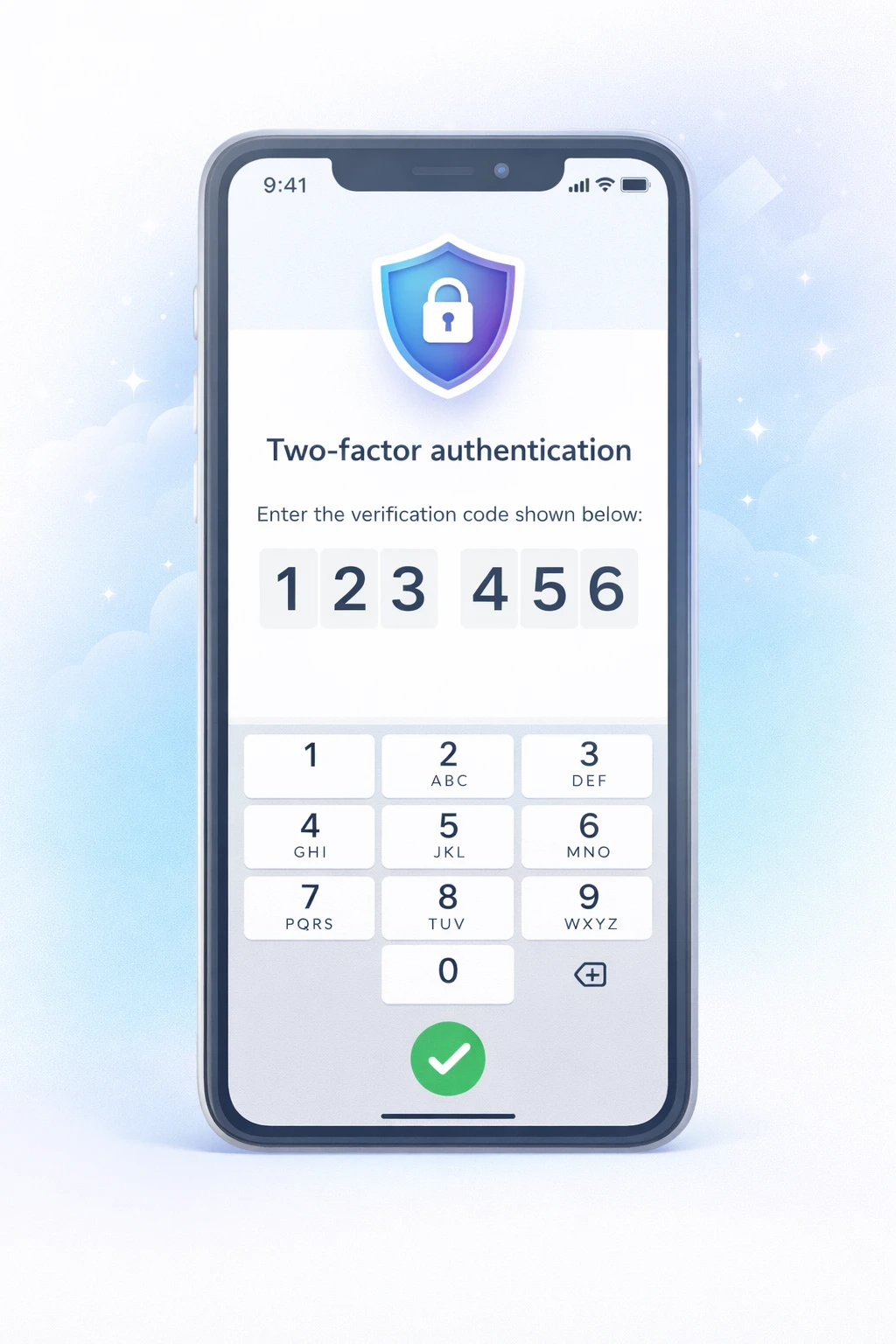
2FA is one of the highest-value security improvements you can make with very little effort.
3. Limit login attempts
Prevent brute force attacks by limiting how many times someone can try to log in.
- Lock out users after 3 to 5 failed attempts
- Temporarily block IP addresses
- Use plugins like Wordfence or Limit Login Attempts Reloaded
This is especially important if your site gets frequent bot traffic or has ever shown signs of suspicious login activity.
4. Change your login URL
By default, WordPress login is located at /wp-admin or /wp-login.php.
- Change it to a custom URL like /my-login
- Use plugins like WPS Hide Login
- Keep the new URL private
5. Enable reCAPTCHA
reCAPTCHA adds another barrier that helps block automated login attempts.
- Add Google reCAPTCHA to login and forms
- Stop automated bots instantly
- Use a plugin that supports login and comment protection
This works especially well when combined with limited login attempts and 2FA.
6. Restrict access by IP (advanced)
If you always log in from the same location, you can restrict access to your login page.
- Allow only your IP to access /wp-admin
- Block all other IP addresses
- Configure this through .htaccess or firewall rules
This is more advanced, but it can be very effective for high-value admin accounts.
7. Keep everything updated
Old plugins, themes, and WordPress core files create openings attackers look for.
- Update WordPress core regularly
- Update plugins and themes
- Remove unused plugins immediately
Plugin hygiene matters here too. A bloated or outdated stack can create both security and performance problems, which is why we recommend keeping a lean set of trusted plugins and tools.
8. Monitor login activity
Good monitoring helps you catch suspicious activity before it becomes a larger problem.
- Track login attempts and IPs
- Get alerts for suspicious activity
- Use plugins like WP Activity Log
Monitoring is especially useful if you manage multiple users, client accounts, or WooCommerce administrators.
Why login security matters for performance too
Excessive bot traffic hitting your login page can increase server load, slow down your admin area, and create unnecessary noise in your logs.
In some cases, this contributes to the same problems covered in troubleshooting a slow WordPress dashboard and even broader issues like slow hosting hurting SEO performance.