Local SEO · Google Business Profile · Yogi's VPS
Why Google Business Profile Verification Fails (And How to Fix It)
Getting your business verified on Google Business Profile should be simple.
But for many business owners, it turns into a frustrating loop of failed verifications, missing postcards, or confusing video requests.
One of the biggest misconceptions?
There is no direct phone number you can call to fix it.
If your listing is stuck, rejected, or not eligible, this guide breaks down exactly why it happens and how to fix it.
It is also important to understand that your website and technical setup play a role. Weak infrastructure, slow performance, or inconsistent business data can all impact trust signals, similar to how website performance affects SEO growth.
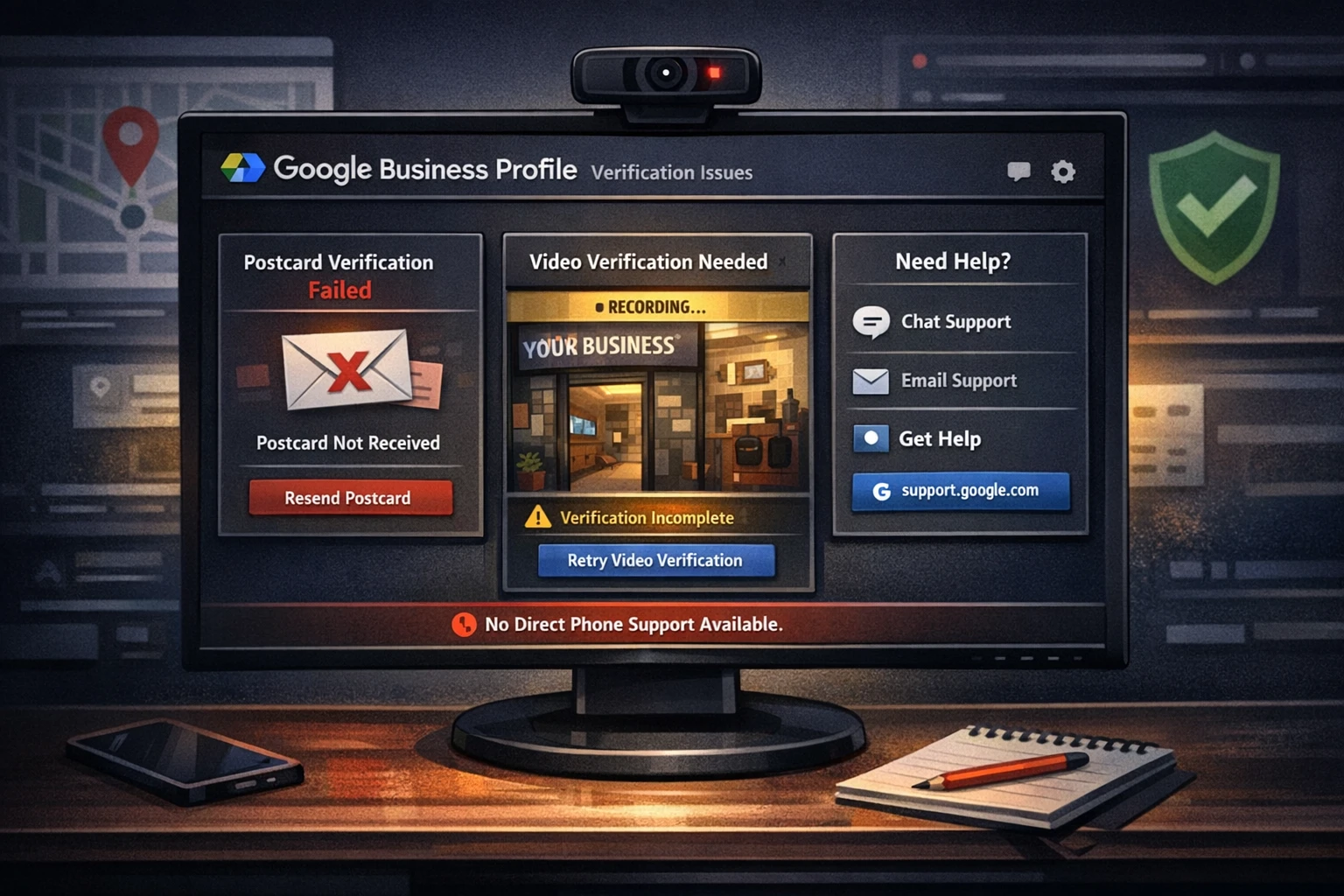
There Is No Google Business Profile Support Phone Number
Many people search for a “Google phone number” to resolve verification issues.
That number does not exist.
Google does not provide a public support line for Business Profile verification.
Instead, support is handled through their official system:
https://support.google.com/business/gethelp
Depending on your situation, Google may offer:
- Chat support
- Email support
- Callback request, when available
- Live video verification
How Google Business Profile Verification Works
Google uses several verification methods depending on your business type and risk level.
Possible verification methods
- Postcard, historically common
- Phone or text, limited availability
- Email verification, rare
- Video verification, now very common
- Live video call with Google support
What determines your options
- Business category
- Location trust signals
- Risk level of the listing
- Whether your address or service area setup is eligible
Not every business gets the same options. Google dynamically assigns verification methods based on trust signals.
The Most Common Google Business Profile Verification Problems
1 Postcard Never Arrives
Why it happens:
- Address formatting does not match official records
- Missing suite or unit number
- Mail delivery issues at the location
- Business name not visible at the address
How to fix it:
- Match your address exactly to USPS formatting
- Include suite or unit numbers
- Add your business name to mailbox or entrance
- Wait 5 days, then request a new postcard
2 Video Verification Fails
This is now the most common verification method.
Google is looking for:
- Location proof, such as a street sign or exterior
- Business proof, such as signage with your name
- Operational proof, such as tools, workspace, or equipment
Why people fail:
- No signage at the location
- Using a virtual office or shared space
- No clear proof of business activity
How to fix it:
- Record continuously without cuts
- Start outside and show the street sign
- Walk into the building and show signage
- Show your workspace, tools, or products
3 “Not Eligible for Verification” Error
Common causes:
- Virtual office or coworking address
- Service area business set up incorrectly
- Keyword stuffing in business name
- Duplicate listings
How to fix it:
- Use a real physical address or switch to a Service Area Business
- Clean your business name to match real branding
- Remove duplicate listings
4 Verification Gets Rejected Repeatedly
Why this happens:
- Your business info does not match across the web
- Your website does not reflect your business clearly
- You have a weak or missing online presence
Your website plays a major role here. A slow or poorly structured site can reduce trust signals, which is why performance and infrastructure matter.
How to fix it:
- Match your business name, address, and phone number everywhere
- Ensure your website clearly reflects your business
- Align content across directories and social profiles
Final Thoughts
Google Business Profile verification is not random.
It is based on trust signals:
- Real location
- Real business activity
- Consistent online presence
And most importantly:
If you align your setup properly, verification becomes much easier and far more predictable.
Need Help Fixing Your Setup?
If your verification keeps failing, there is usually a deeper issue with your setup.
That could include:
- Website inconsistencies
- Technical SEO gaps
- Hosting or performance issues
- Incorrect business configuration
Fixing the foundation is what gets results. Start with a WordPress site audit or request help directly.