WordPress Performance Audit Guide
A complete framework to diagnose, fix, and scale your WordPress performance for better speed, stronger Core Web Vitals, and higher search rankings.
Start Here: WordPress Performance Cluster
A performance audit works best when you understand the full WordPress stack. These related guides help you diagnose hosting, Core Web Vitals, caching, WooCommerce, and theme performance issues.
What Is a WordPress Performance Audit?
A WordPress performance audit is a structured analysis of your site’s speed, stability, and efficiency. It identifies what is slowing your site down and provides a prioritized plan to fix it.
Why Performance Matters for SEO
- Faster websites rank higher in search results
- Users stay longer and convert more
- Lower bounce rates improve engagement signals
- Stronger Core Web Vitals improve visibility
If your site is underperforming, it is often tied to deeper infrastructure problems like slow hosting environments or inefficient server configurations.
The WordPress Performance Audit Framework
1. Hosting and Server Performance
Your hosting is the foundation of your website. If this layer is weak, every other optimization becomes limited.
- Server response time (TTFB)
- PHP workers and concurrency
- CPU and RAM limits
- Disk type (NVMe vs SATA)
- Object caching (Redis or Memcached)
Many site owners discover that their biggest limitation is hosting. This becomes clear when comparing managed WordPress hosting vs AWS setups or moving away from cheap shared hosting environments.
2. Core Web Vitals
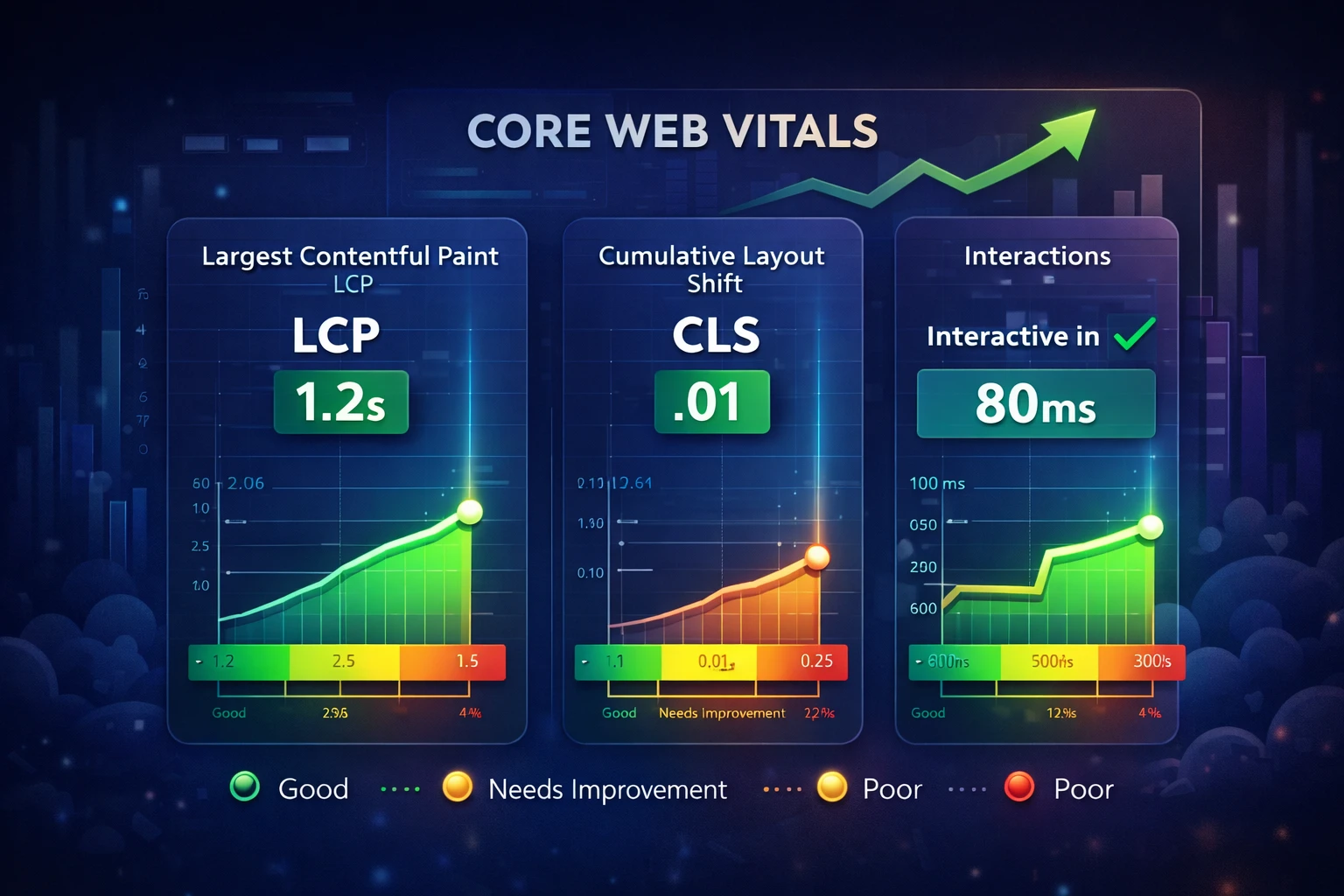
These are Google’s key performance metrics and directly impact rankings. If your scores are low, you need to improve your Core Web Vitals and understand why your site may have no Core Web Vitals data.
- LCP: How quickly your main content loads
- INP: How responsive your site feels
- CLS: Visual stability during loading
3. Frontend Optimization
- Render blocking CSS and JavaScript
- Unused CSS and JavaScript
- Image compression and optimization
- Font loading strategies
- Lazy loading implementation
These issues are heavily influenced by your caching layer. Implementing the right caching setup can significantly improve load speed and performance consistency.
4. Plugin and Theme Efficiency
- Plugin bloat and unnecessary tools
- Duplicate functionality
- Heavy page builders
- Poorly optimized themes
If your admin area feels slow, it is often due to plugin load. Learn how to fix a slow WordPress dashboard.
5. Database Optimization
- Post revisions cleanup
- Expired transients
- Autoloaded options
- Slow database queries
Database inefficiencies become more noticeable on larger sites, especially when working with WooCommerce stores.
6. Caching Strategy
- Page caching
- Object caching
- Browser caching
- CDN integration
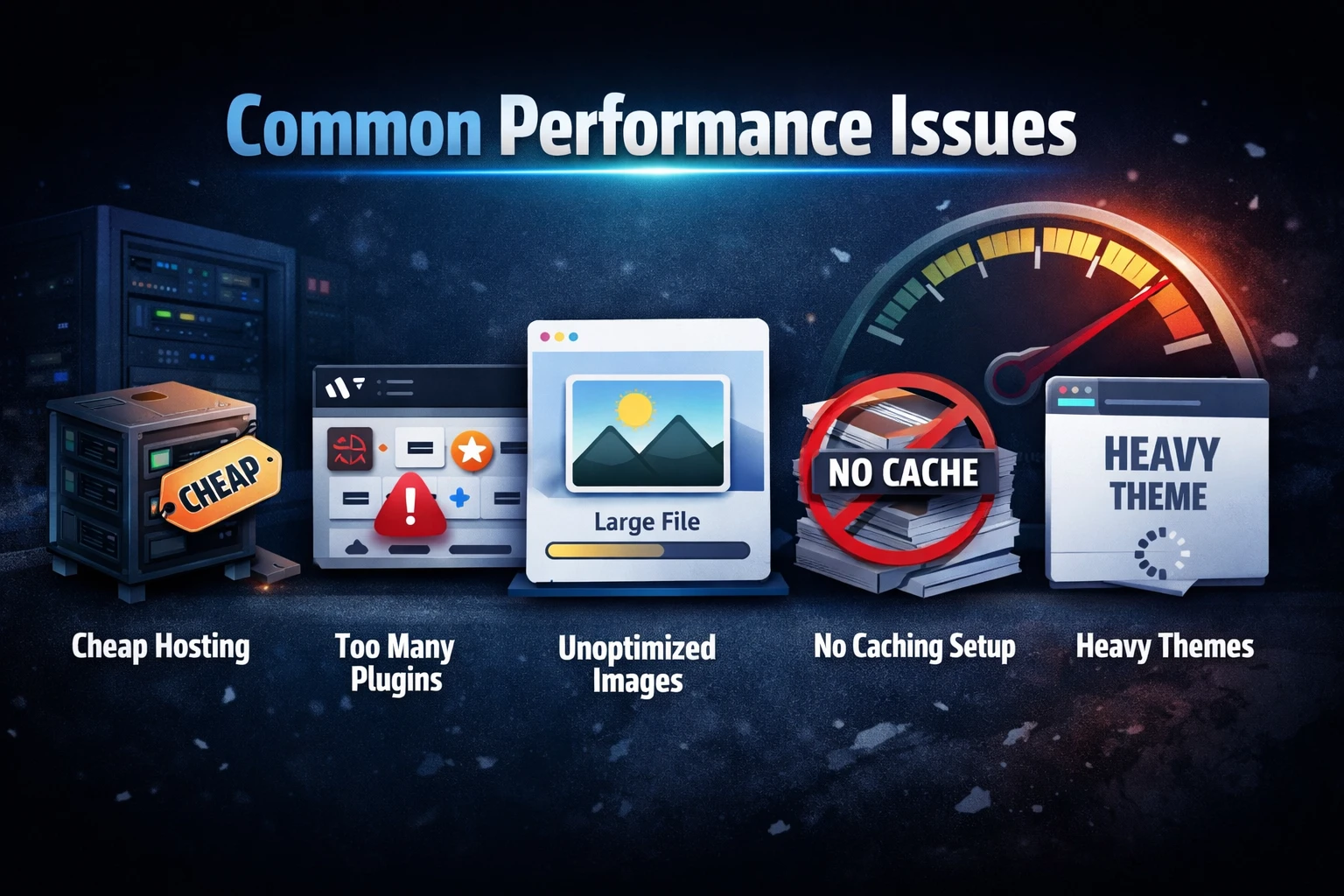
Common Performance Issues
- Cheap hosting environments
- Too many plugins
- Unoptimized images
- No caching strategy
- Heavy themes
What a Real Audit Should Deliver
- Clear performance score
- Core Web Vitals breakdown
- Hosting recommendations
- Prioritized action plan
- Estimated performance gains
Not sure where your site stands?
Get a free WordPress performance audit and uncover exactly what is slowing your site down.
Sample Performance Audit Scorecard
A quick snapshot of the performance signals analyzed during an audit.
Strong foundation, but clear opportunities remain to improve speed, stability, and SEO performance.
The Right Way to Improve Performance
- Fix hosting bottlenecks
- Implement proper caching
- Optimize frontend assets
- Clean and optimize the database
- Reduce plugin overhead
Long-term performance gains come from understanding how WordPress speed impacts SEO growth and applying consistent optimization strategies.
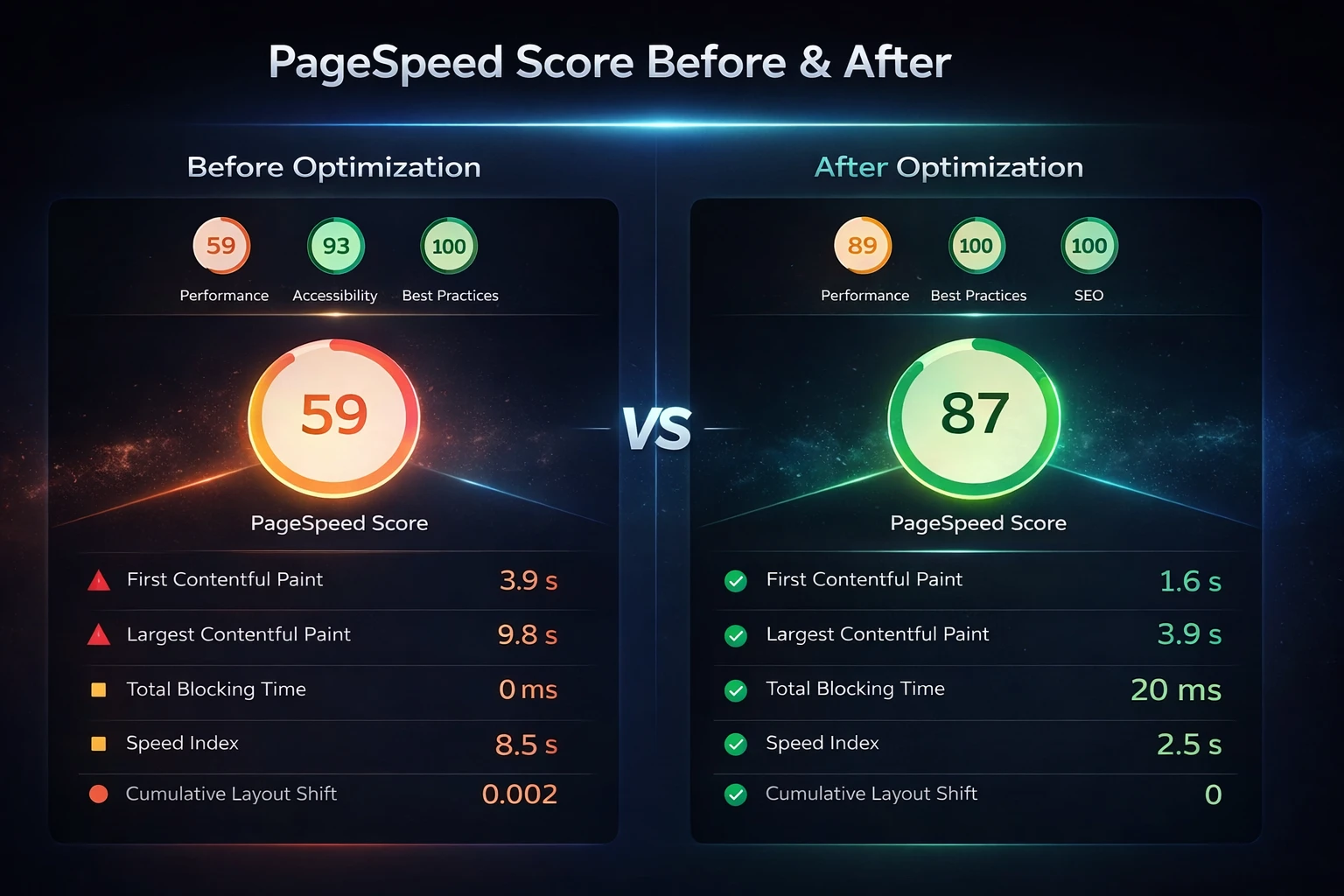
Before vs After Optimization
What real performance improvements look like after proper optimization.
Before
After
Get Your Free WordPress Performance Audit
We will analyze your site and show you exactly what is slowing it down and how to fix it.
Start Free Audit