Compatibility Guide · Yogi's VPS
Supported themes and plugins
Yogi's VPS supports virtually all modern WordPress themes and plugins. This guide explains which tools work best on our optimized hosting stack, which ones we officially recommend, and which ones may require caution due to performance, security, or compatibility concerns.
You can always reach out before installing a plugin or switching themes. We’ll confirm compatibility and check whether it aligns with your performance goals.
Theme and plugin choices have a direct impact on site speed, Core Web Vitals, and admin performance. That is why this page pairs well with our recommended plugins and tools and WordPress performance audit guide.
Recommended themes for best performance
These themes are lightweight, stable, and well coded. They work extremely well with our performance stack and caching layers.
Top recommended themes
- Astra Recommended
- GeneratePress Best Performance
- Blocksy
- Kadence
- Hello Elementor (ideal for full page builder builds)
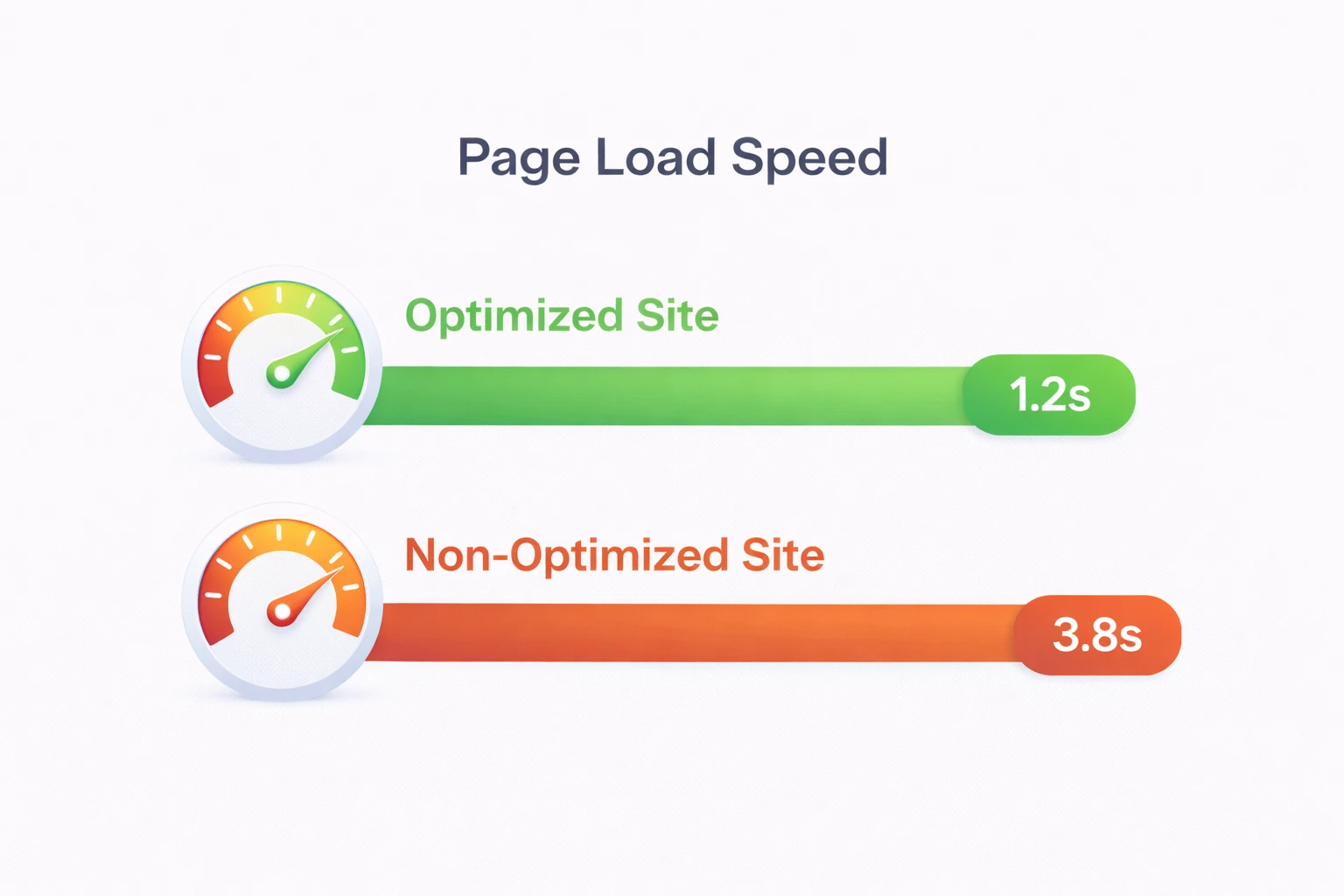
Lightweight themes make it easier to achieve strong results in Core Web Vitals and help support the same long-term gains explained in why high-performance websites drive SEO growth.
Supported page builders
Yogi's VPS supports all major WordPress page builders. Some perform better than others depending on your site’s complexity.
Fully supported builders
- Gutenberg (native WordPress editor) Fastest
- Elementor
- Beaver Builder
- Bricks Builder (advanced users)
Supported with notes
- Divi Builder (requires caching exclusions)
- WPBakery (older builder, not recommended for new builds)
Heavier builders can increase frontend load time and make content editing slower. If you notice backend lag, see troubleshooting a slow WordPress dashboard.
Recommended plugins for performance, security, and stability
These plugins consistently perform well on our hosting platform and follow good coding practices.
Performance tools
- W3 Total Cache
- WP Rocket
- Perfmatters
- Smush or ShortPixel (image optimization)
Security tools
- Wordfence
- iThemes Security
- Shield Security
Backup solutions
- Total Upkeep (BoldGrid)
- UpdraftPlus
- Jetpack Backup (formerly VaultPress)
For a broader list with tool-specific notes, see our recommended plugins and tools page. For backups specifically, review how WordPress backups and restores work on your account.
Plugins we support with caution
These plugins work, but they may slow down your site, cause compatibility issues, or conflict with caching layers. We support them, but only if they are absolutely needed.
Resource-heavy or slow plugins
- Jetpack (multiple modules running at once)
- Slider Revolution
- LayerSlider
- Mega menu builders with large asset libraries
Plugins known for conflicts
- Broken Link Checker (runs constant scans)
- Some abandoned SEO or page builder plugins
- Several membership plugins with unoptimized queries
These are often the same types of issues that contribute to slow hosting symptoms and weak performance across the site.
Unsupported or high-risk plugins
These plugins are either abandoned, insecure, cause performance issues, or conflict with core WordPress functions. They should not be used on production sites.
Plugins we recommend avoiding
- W3 Total Cache forks (non-official versions)
- Old gallery and slider plugins not updated for years
- Nulled or pirated premium plugins
- Plugins that disable core WordPress security protections
How to choose the right stack for your site
The best stack depends on your site type. A brochure site, blog, WooCommerce store, or membership site all have different needs.
- Use a lightweight theme whenever possible.
- Choose one builder and avoid stacking builders together.
- Keep plugins focused and avoid overlap.
- Test performance after adding new tools.
If you are building a store, our WooCommerce performance checklist is a better next step. If you are launching a brand new site, review launching your first WordPress site.