Welcome · Yogi’s VPS
Welcome to Yogi’s VPS
Welcome to Yogi’s VPS, a fast, reliable, performance-focused hosting platform built specifically for WordPress users, creators, entrepreneurs, online stores, and business owners who want clean, stable, and secure websites without the technical headaches.
This guide gives you a quick overview of your new hosting environment, what’s included, and the next steps to help you get up and running smoothly.
If you are migrating from another host, this is the same performance-first environment we recommend in why we recommend Yogi’s VPS and in our guide to migrating from shared hosting to a managed VPS.
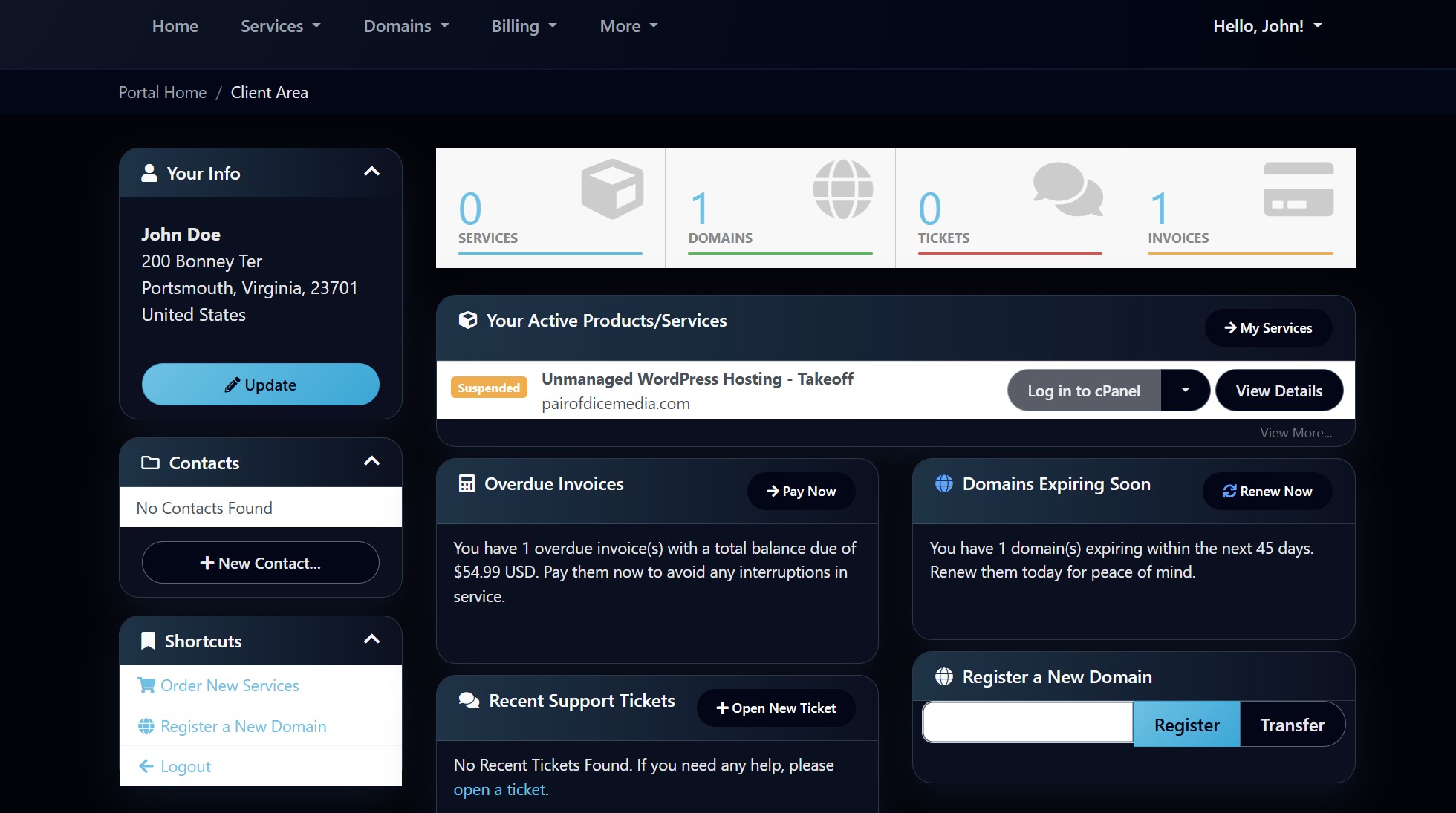
Your hosting includes everything you need
Your account is fully managed, fast, and secure. Here is what you get automatically with every plan:
- Managed WordPress hosting on an optimized VPS.
- Daily backups with long-term storage.
- Free SSL certificates for all your domains.
- Security monitoring and hardening.
- Performance tuning for Core Web Vitals.
- Email support and priority troubleshooting.
- Staging, cloning, and restore tools on request.
That performance tuning ties directly into the same improvements covered in improving Core Web Vitals and why high-performance websites drive SEO growth.
Start here: your first three steps
1. Add or connect your domain
Whether you purchased a domain elsewhere or want to use an existing one, you can connect it easily by updating DNS or your nameservers.
- Decide your main domain.
- Point DNS to Yogi’s VPS.
- Wait for propagation.
Need help? See how to connect your domain and update DNS records or pointing your domain to Yogi’s VPS.
2. Install WordPress
Use the one-click installer or request a free installation through support.
- Choose domain or temporary URL.
- Create admin login.
- Start building right away.
Once installed, your next best step is launching your first WordPress site the right way.
3. Secure your site
SSL is included automatically once DNS resolves correctly.
- Confirm HTTPS is active.
- Enable a security plugin.
- Keep your login secure.
Review how to set up free SSL and how to harden your WordPress login to lock things down properly.
What makes Yogi’s VPS different
Performance-focused
Your server is built for speed with caching layers, database tuning, and optimized configurations included.
This is the same foundation behind why cheap hosting hurts SEO and how slow hosting kills rankings.
Real support from WordPress experts
Get help from real developers who work with complex WordPress environments daily, not generic support reps.
Security-first approach
Firewalls, malware scanning, backups, and hardened configurations protect your site around the clock.
Smooth migrations
If you're coming from another host, we handle the full migration for you including files, database, email, and DNS.
You can also review migrating from another host for a broader overview.
Important links you’ll use often
- Your client dashboard login.
- Your WordPress admin login.
- Your DNS or domain registrar.
- Your email inbox if hosted externally.
- Your staging or preview URL on request.
You may also want quick access to: how backups and restores work, how to request a site restore, and supported themes and plugins.
Need help getting started
You’re never on your own. Whether this is your first WordPress site or your twentieth, we’ll help you get set up the right way.
- We can install WordPress for you.
- We can migrate an existing site for free.
- We can recommend themes or plugins.
- We can fix errors or performance issues.
- We can help with DNS, email, and domain setup.
If your site is already running but needs improvement, a free WordPress audit is a great place to start.