Why Cheap WordPress Hosting Is Destroying Your SEO
The hidden performance, ranking, and conversion costs of low-quality hosting environments.
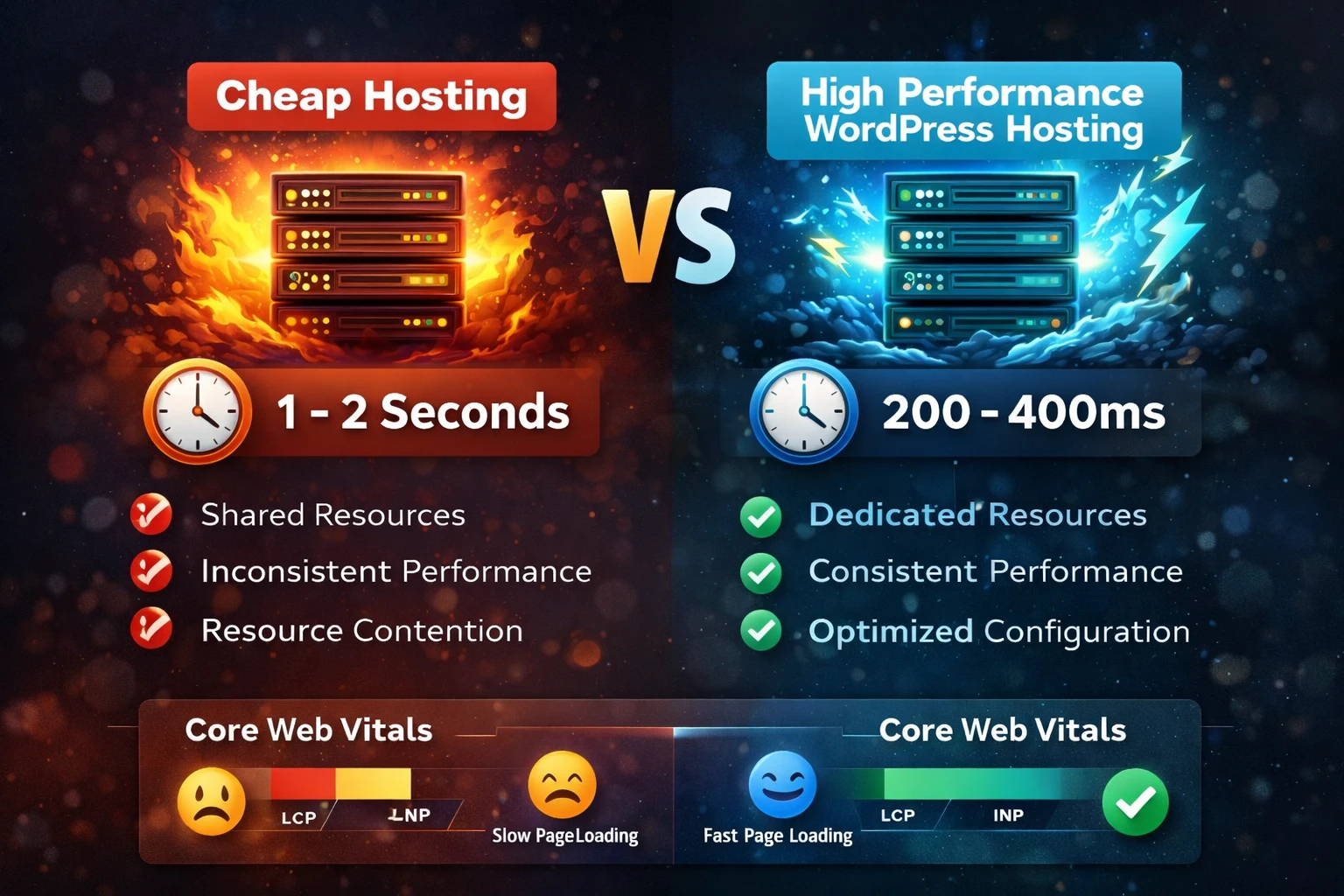
Most businesses choose WordPress hosting based on one simple factor.
Price.
Shared hosting plans promise WordPress hosting for just a few dollars per month. It sounds like a smart way to save money when launching a website.
But what most businesses do not realize is that cheap hosting quietly limits the very thing they are trying to build.
Search traffic and growth.
If your infrastructure is slow, your SEO will struggle no matter how strong your content or strategy is.
This is closely tied to how slow hosting impacts rankings and overall site performance.
Google Rewards Fast Websites
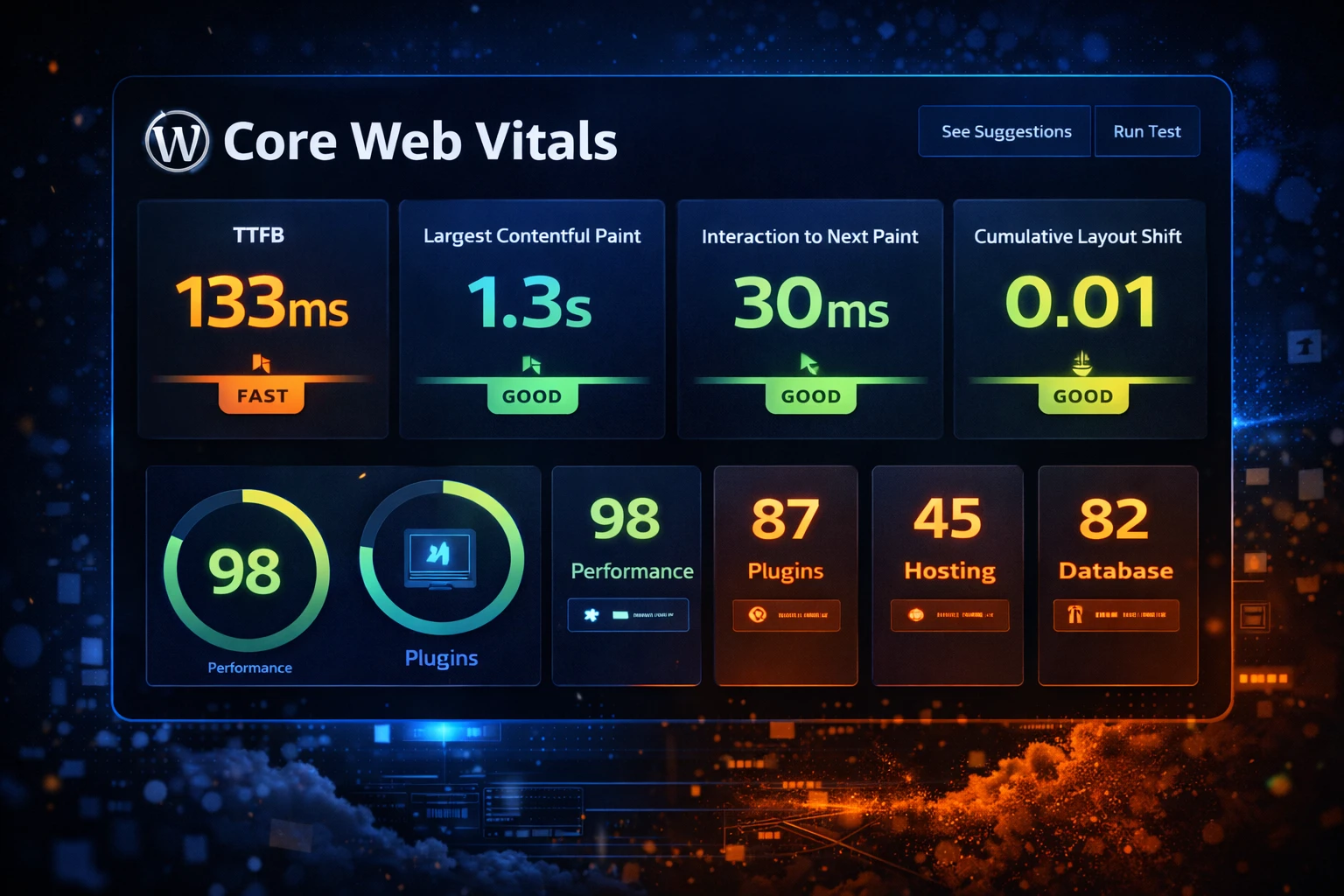
Google has made performance a ranking signal for years. One of the most important developments is Core Web Vitals, which measure real-world user experience.
LCP
Largest Contentful Paint
How quickly your main content loads. Slow hosting increases wait time before anything meaningful appears.
INP
Interaction to Next Paint
How responsive your site feels. Weak infrastructure causes lag when users interact.
CLS
Cumulative Layout Shift
How stable your layout is. Poor hosting and delayed resources often create layout shifts.
If your site is struggling here, you need to improve your Core Web Vitals and address the root performance issues.
Your SEO strategy is only as strong as your hosting
Content, backlinks, and optimization will not fix slow infrastructure. It starts with your server.
The Problem With Cheap Hosting
Cheap WordPress hosting typically means shared hosting. Hundreds or even thousands of websites compete for the same server resources.
Shared Resource Problems
- CPU and memory limitations
- Disk I/O bottlenecks
- Database contention
- Limited PHP workers
What This Means
Your performance becomes unpredictable. If another site spikes in traffic, your site slows down even if nothing changed on your end.
Slow Server Response Time Kills Rankings
One of the most critical performance metrics is Time To First Byte (TTFB).
This is how long it takes your server to start responding. If it is slow, everything else is delayed.
| Hosting Environment | Typical TTFB | Impact |
|---|---|---|
| Cheap Shared Hosting | 1 to 2 seconds | Slow load times, poor Core Web Vitals, unstable performance |
| Optimized VPS Hosting | 200ms to 400ms | Fast response, stable performance, improved SEO signals |
This is why slow hosting directly impacts rankings.
Database Performance Becomes a Bottleneck
WordPress depends heavily on database queries for nearly everything it does.
What WordPress Uses the Database For
- Posts and pages
- Plugin settings
- Menus and metadata
- WooCommerce products
What Happens on Cheap Hosting
Slow queries and overloaded databases delay rendering, especially on larger sites and WooCommerce stores.
Cheap Hosting Breaks Caching
Caching is one of the biggest performance drivers, but cheap hosts limit the technologies needed to do it properly.
Critical Caching Layers
- Page caching
- Object caching
- CDN caching
- Database query caching
Cheap Host Limitations
Many budget providers block advanced caching setups. Learn how to implement the right caching strategy.
Want to know what is slowing your site down?
We will analyze your hosting, caching, and performance signals to show exactly where your bottlenecks are.
Hosting Is the Foundation of SEO
You can optimize content, build backlinks, and improve on-page SEO, but weak infrastructure limits everything.
A proper WordPress performance audit will reveal whether hosting is your primary bottleneck.
Long-term success comes from understanding how site speed drives SEO growth.
What High-Performance Hosting Provides
Technical Benefits
- Fast server response times
- Dedicated resources
- Optimized PHP and database
- Advanced caching layers
Business Benefits
- Better rankings
- Higher conversions
- Improved user experience
- Consistent performance
Many businesses see immediate improvements after moving from shared hosting to a VPS.
Run a Free WordPress Performance Audit
Discover how your hosting environment is impacting your SEO performance and get a clear action plan to fix it.
- Server response time analysis
- Core Web Vitals breakdown
- Caching review
- Performance recommendations