Free WordPress Site Audit

Get a free WordPress performance & health audit from Yogi’s VPS.

Share your WordPress URL and a few details about your stack. We’ll review performance, security, backups, and hosting – then send you a clear, human-readable report.

No cost, no obligation. Just an honest look at your current setup. Performance · Security · Hosting · UX

How the free audit works.

No automated “grade” emails. A real WordPress specialist reviews your site and sends a focused summary instead of a 20-page robot report.

3-step process · 3–5 business days
1
Tell us about your site.

Use the audit request form below to share your URL, hosting provider, and what’s bothering you (slow admin, errors, downtime, etc.).

2
We run a full checkup.

We review performance, security basics, backup strategy, plugins, and overall stack. We’ll note quick wins and any structural issues.

3
You get a human-first report.

We’ll send a short summary with screenshots, metrics, and our recommendations – including what to fix now vs. what can wait.
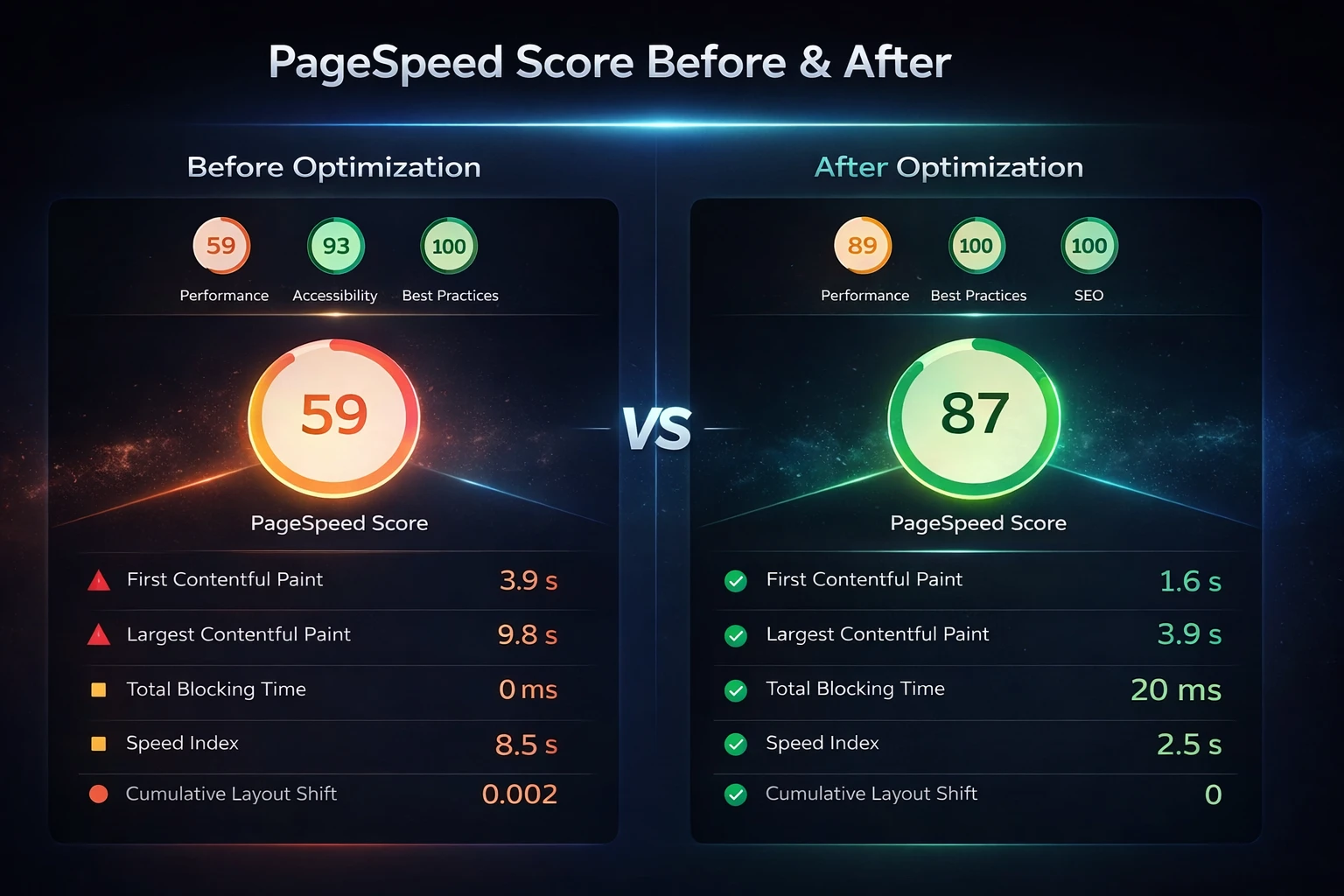
What’s included in your free WordPress audit.

Think of this as a “state of the site” report – built for busy owners, marketers, and agencies who need clarity, not jargon.

Performance · Stack review · Recommendations
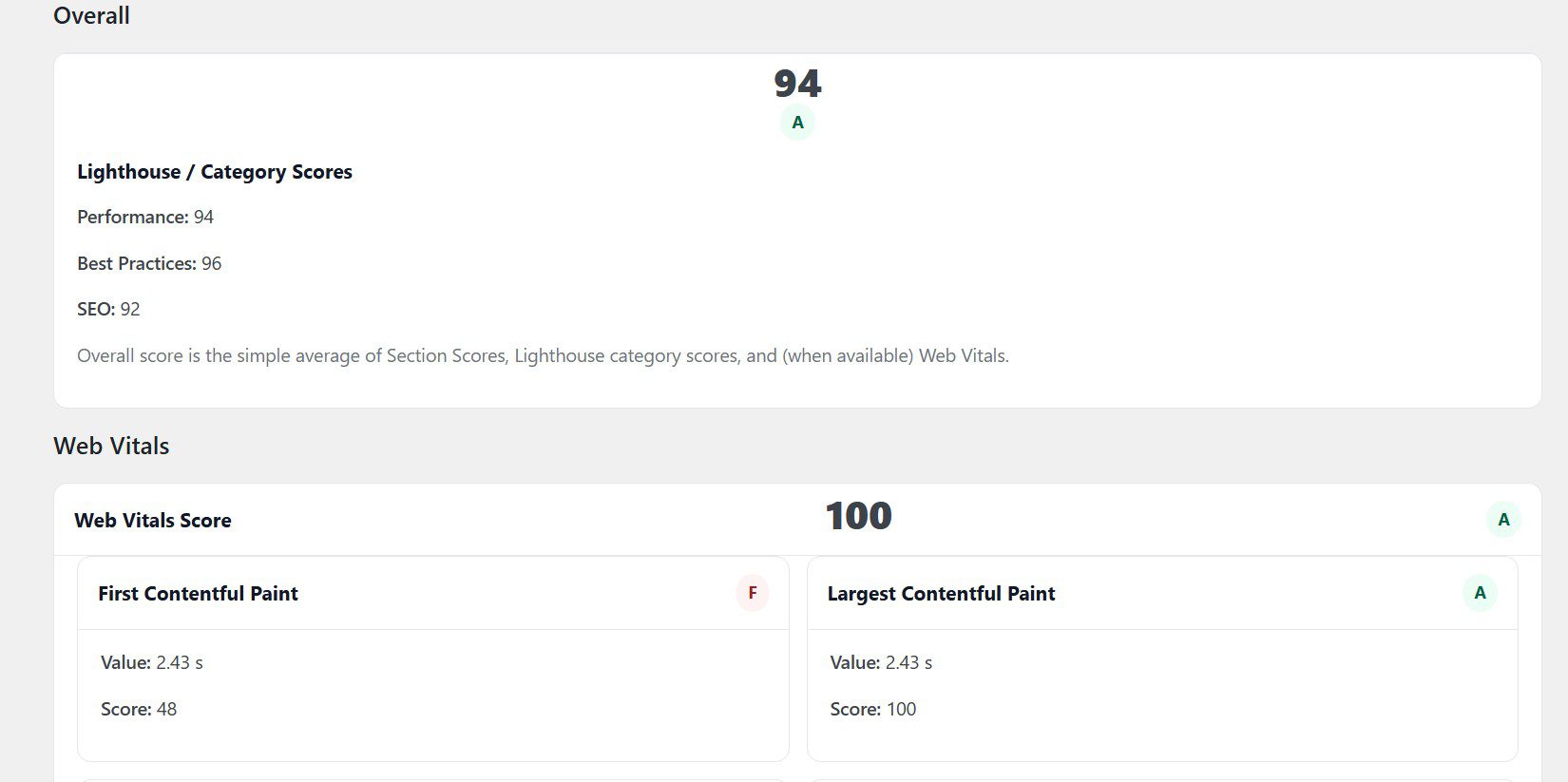
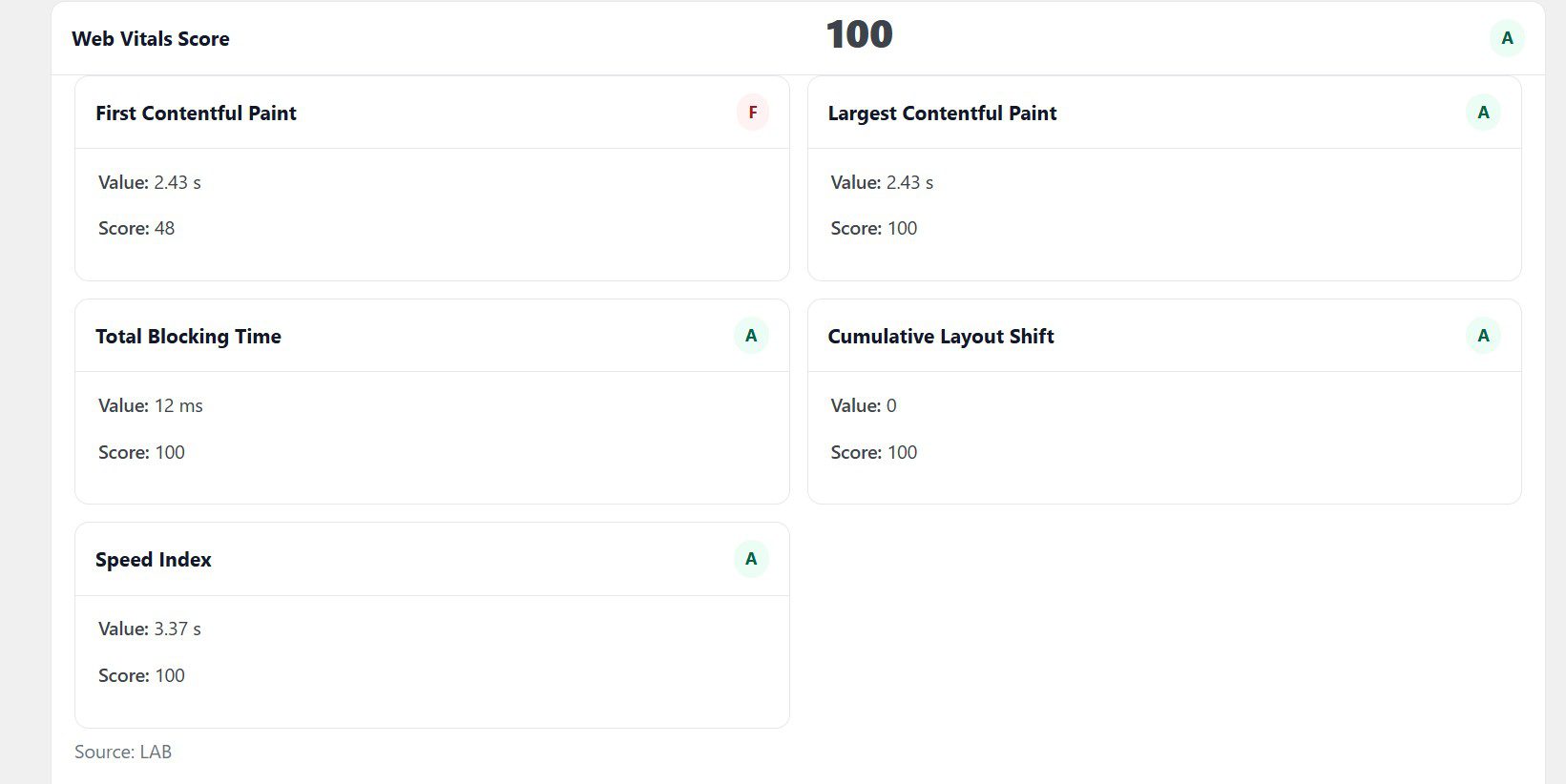
  • Performance snapshot (Core Web Vitals, PageSpeed Insights, basic load testing).
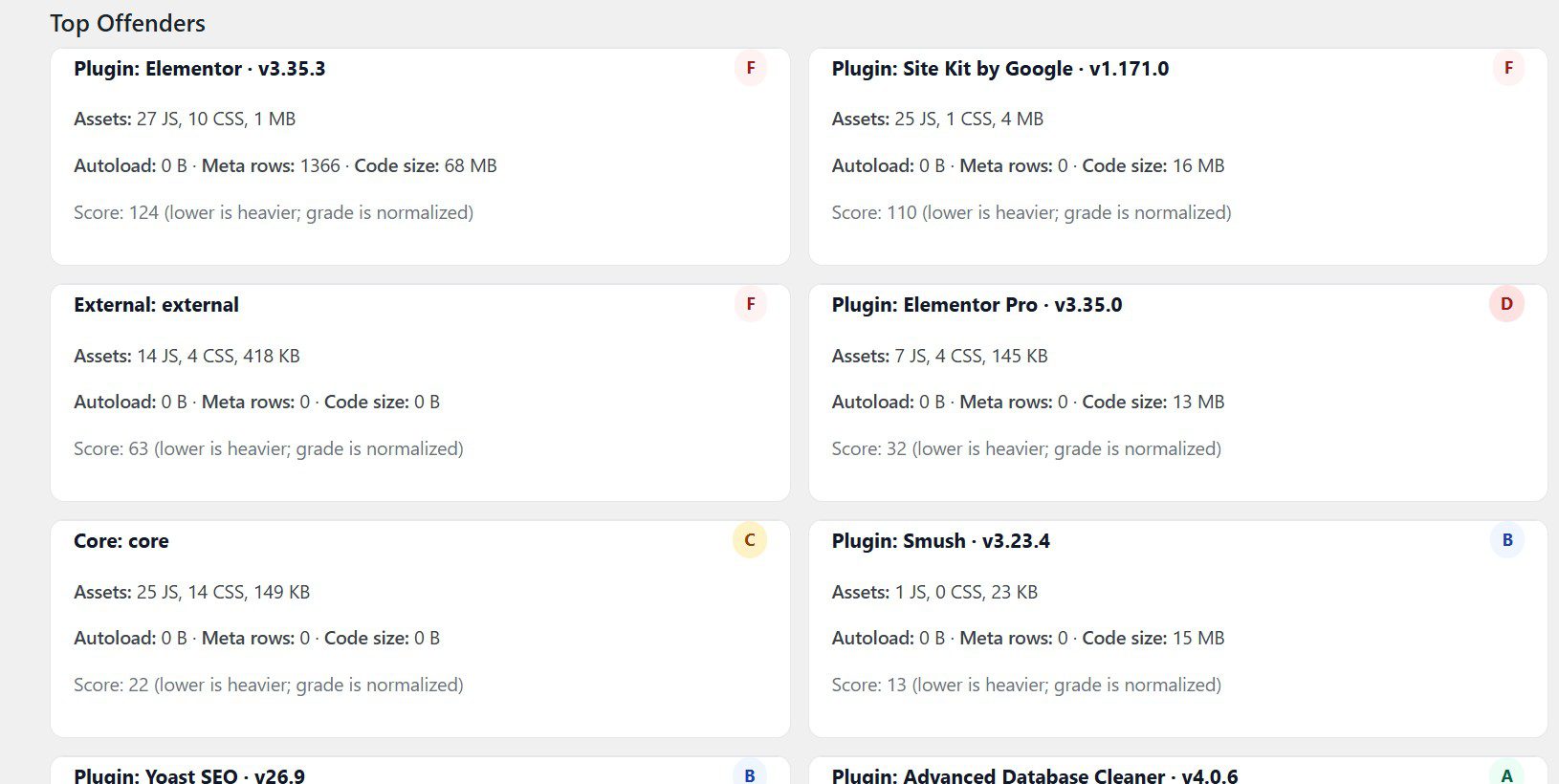
  • Theme & plugin stack review (bloat, conflicts, red flags).
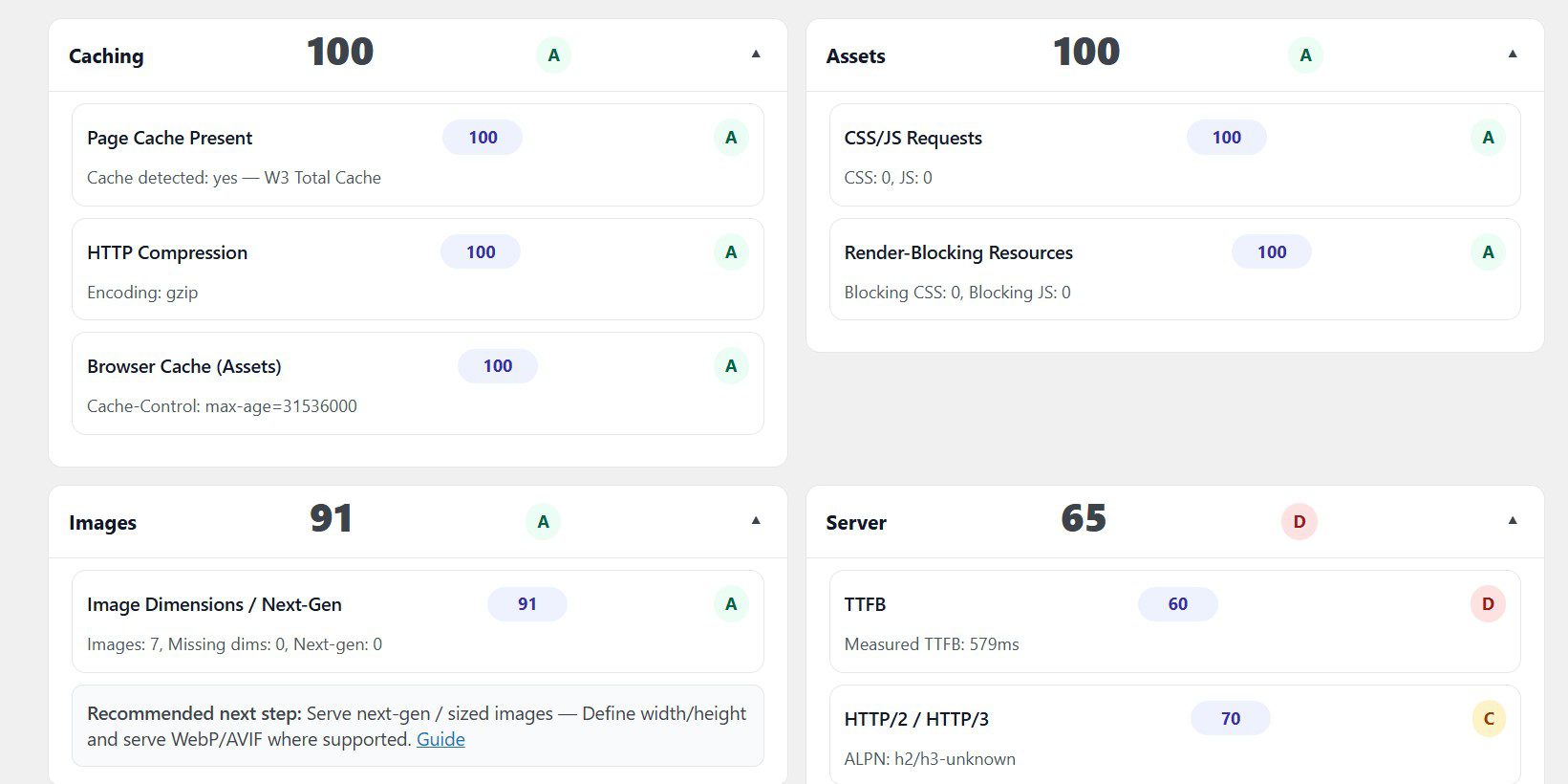
  • Hosting & caching overview (where your stack helps or hurts performance).
  • Security basics check (login protection, updates, obvious vulnerabilities).
  • Backup & restore review (how fast you can recover from “oh no” moments).
  • Top 3–5 recommended fixes ranked by impact and difficulty.
  • Suggestions on whether to optimize your current site or plan a redesign.

Run your free WordPress audit now

Fill out the form to unlock your free Nfinite WordPress Audit plugin download. Once installed, you can run your own full site scan instantly inside your WordPress dashboard.

  • Instant performance and Core Web Vitals snapshot
  • Security and plugin/theme risk overview
  • Hosting and scalability diagnostics
  • Top action items ranked by impact

Next Steps: Get Your Professional Audit

Your free plugin gives you a powerful first look at your site. Follow the steps below to generate your JSON report and unlock a full professional analysis from our team.

  1. Step 1 – Install the Free Audit Plugin

    Download and activate the plugin directly in your WordPress dashboard. It takes less than a minute and requires no technical skills.

  2. Step 2 – Run Your First Audit

    Enter your site URL and run the free audit. The plugin will scan your performance, SEO, Core Web Vitals, and plugin or theme offenders.

  3. Step 3 – Copy Your JSON Report

    When the scan is complete, the plugin generates a JSON report of your results. Simply copy the JSON output with one click.

  4. Step 4 – Share Your Report With Us

    Paste the JSON into the form on this page and send it to us. This gives our team everything we need to dive deeper into your data.

  5. Step 5 – Receive Your Detailed Audit

    We’ll prepare a full breakdown of your site performance, SEO gaps, and optimization opportunities. You’ll also get a personalized screenshare video walking through our findings step by step.

  6. Step 6 – Book a Review Call (Optional)

    If you’d like expert guidance, you can schedule a one-on-one Zoom call to review your results in detail and ask questions about next steps.